دليل شحن رصيد تطبيق Poppo Live في المملكة العربية السعودية


اللغة العربية
USD


سجّل للحصول على قسائم خصم 5%!
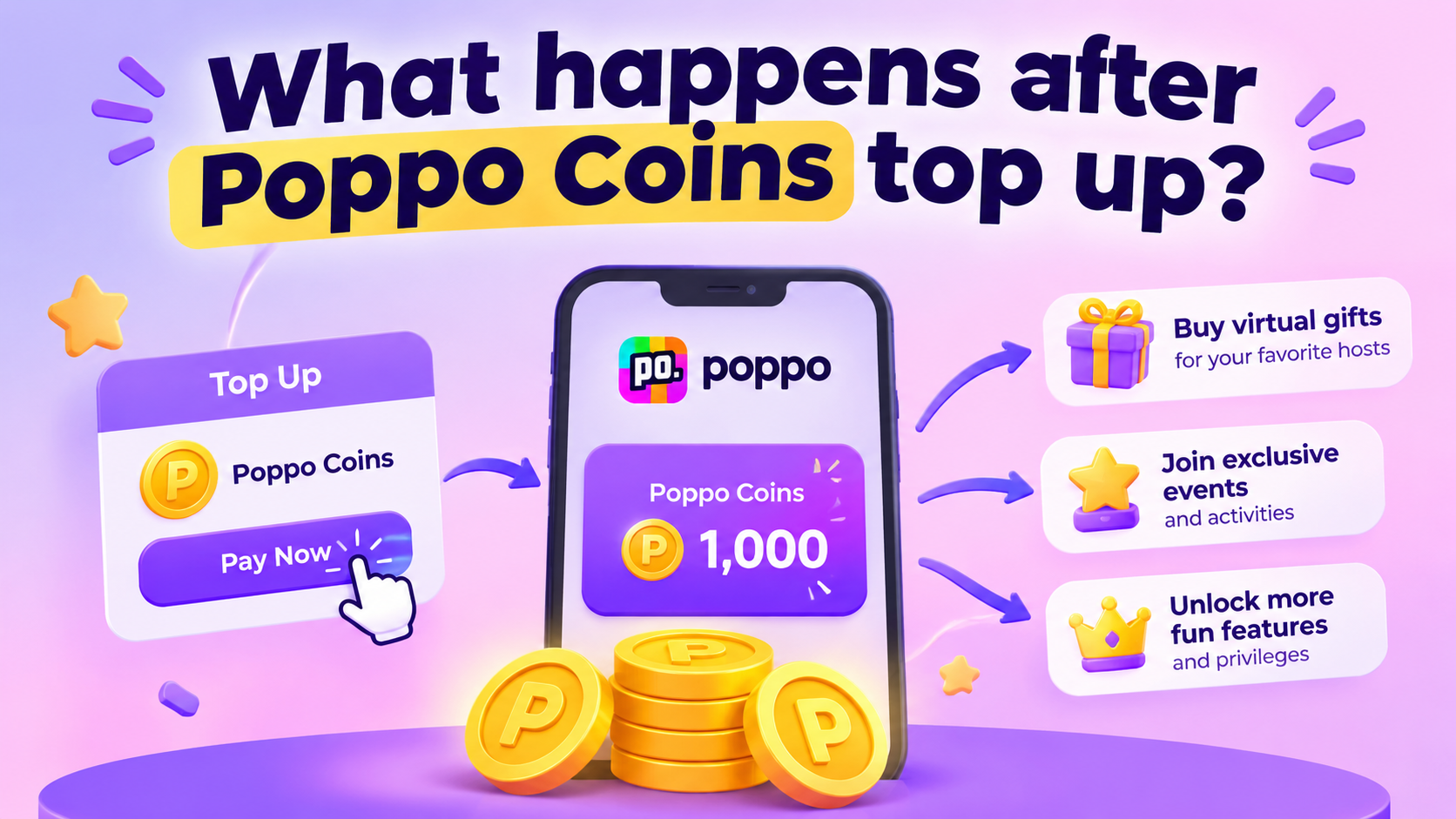
What happens after Poppo Coins top up?
2026-08-24 14:31:26News
Topping up Poppo Coins is only the first step. Once you finish it, many users wonder what comes next. When will coins show up in my account? Where do I check my balance? And what can I actually spend them on?
Your Poppo Coins Are Added to Your Account
After your payment goes through successfully, your purchased coins will be credited to the Poppo account tied to your order.
If you are using a third‑party web service for your Poppo top up coin, double‑check your Poppo ID before submitting payment. This account detail matters a lot, as coins must go to the correct user profile. Most of the time, your Poppo balance refreshes right after payment and order confirmation.
How to Check Your New Coins After Purchase
When you’ve completed your Poppo Live top up, open the Poppo app and head over to your Coin balance page.
Take a look at your balance from before you made the purchase, then compare it with the updated figure. If you see the newly bought Coins reflected in your balance, your top‑up was successful.
Be sure to keep your order details handy until you’ve verified the Coins have arrived in your account.
What You Can Do With Your Poppo Coins
Once your balance updates, you can spend coins across different interactive features inside Poppo Live. Use them to:
1. Send virtual gifts to streamers
2. Show support for your favourite creators
3. Join real‑time live‑room interactions
4. Unlock coin‑locked features and platform events
When Coins Do Not Show Up Right Away
It’s not uncommon for your coin balance to fail to refresh immediately after you pay. Before reaching out to support, run through these quick checks.
Verify your Poppo ID
Confirm the Poppo ID you entered for the order is 100 % correct. A wrong ID may send coins to another user’s account or require manual help from support staff.
Review your payment status
Make sure your payment fully completed. Pending, declined or interrupted payments will not add coins to your profile.
Allow a short processing window
Most orders process instantly, but payment confirmation and account sync can sometimes take extra time. Do not place a second order in a hurry if you are unsure whether your first request succeeded.
Reach out to customer support
If your payment succeeded yet coins still do not arrive after waiting, contact customer service from the platform where you placed your Poppo coins top up. Prepare your order number and payment proof, this will help agents trace your transaction much faster.
Save Your Top‑Up Receipt and Order Details
After you complete any Poppo top up online, avoid deleting your order history right away.
Receipts keep critical data: order ID, payment state, coin quantity and transaction timestamp. Should delivery issues pop up, these records let support locate your order quickly.
Final Thoughts
Your Poppo coin top-up experience does not end the moment you submit payment. Always verify your payment result, open the app to view your coin balance, and confirm funds hit the right account.